Plants and Tree Sizes
A choice for one symbol or a selection stays in this drawing. A choice for a block (a row in Plant Symbols, a rule in CAD Mappings, or Swap All Matching on Layer) carries to the next drawing with that block. See Symbols from CAD Blocks.
Tree size
Mature is full grown, Planted is nursery stock, and Medium sits between them. The picker lists the sizes a tree has. A tree at the library's size takes the size you choose through its viewport's scale. Without a viewport or a drawing unit it keeps its size, and the panel says why. A tree drawn at its CAD size or a size in feet keeps that size, and only its art changes.
Medium as mature art
Medium (mature art) draws the mature tree, for a small tree that is near full size by then.
Plants are provided at set sizes
A plant not provided at the size you choose is shown larger, and the Symbols from CAD box names it. To draw it smaller, give it a size in feet in its block rule or in the Size row of Quick Properties.
Season and colour
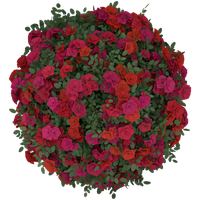
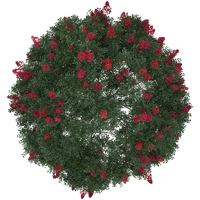
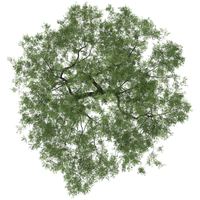
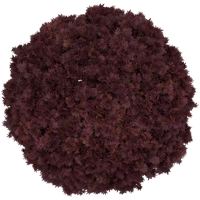
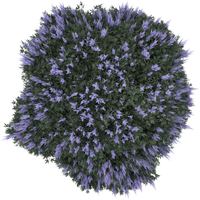
Some plants show fall colour or peak bloom in the Realistic look, and the crepe myrtle blooms red or white. Some vehicles come in more than one paint colour. The hand-drawn looks keep their own colours.
Where to pick them
A picker appears only where the library has that choice.
- A whole block: Plant Symbols.
- The selected symbols: the Fill and Stroke tab, as one undo step.
- One symbol, with a preview: double-click it for Quick Properties.
- Before placing: open the tile's related items in the Library panel and drag the one you want.
The plants
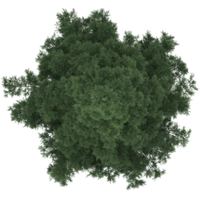
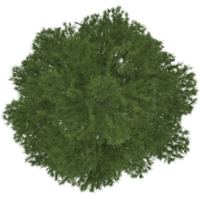
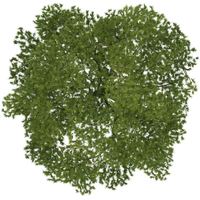
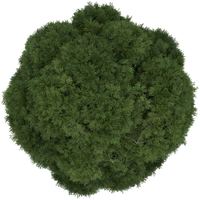
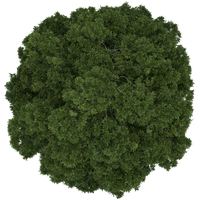
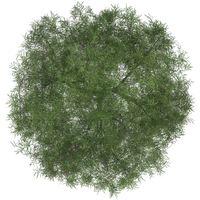
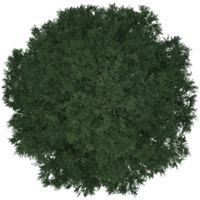
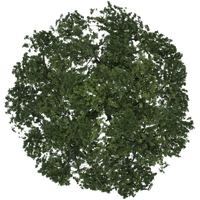
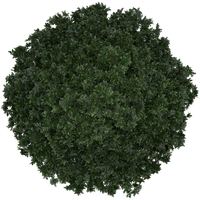
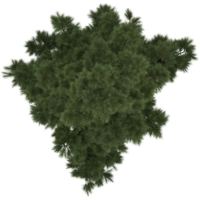
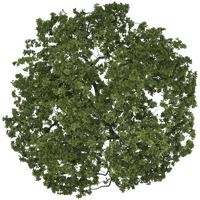
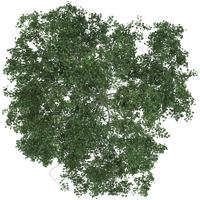
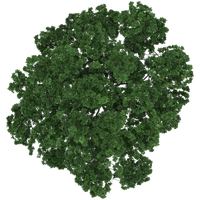
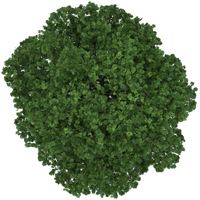
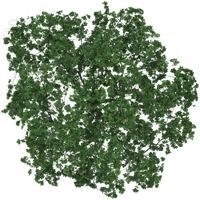
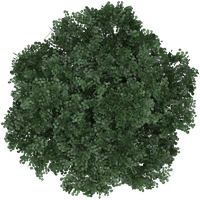
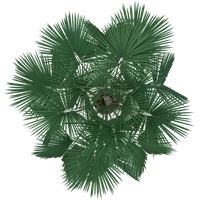
Trees
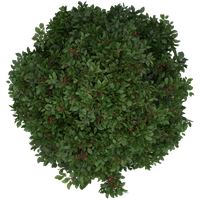
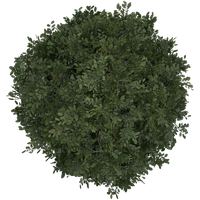
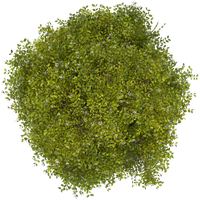
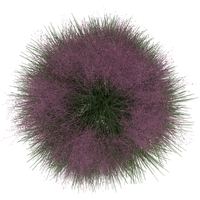
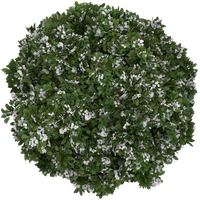
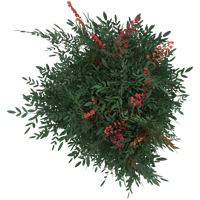
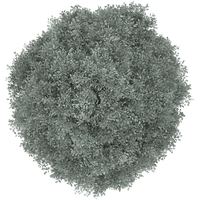
Shrubs and grasses